

Free coloring pages of Minecraft helicopter
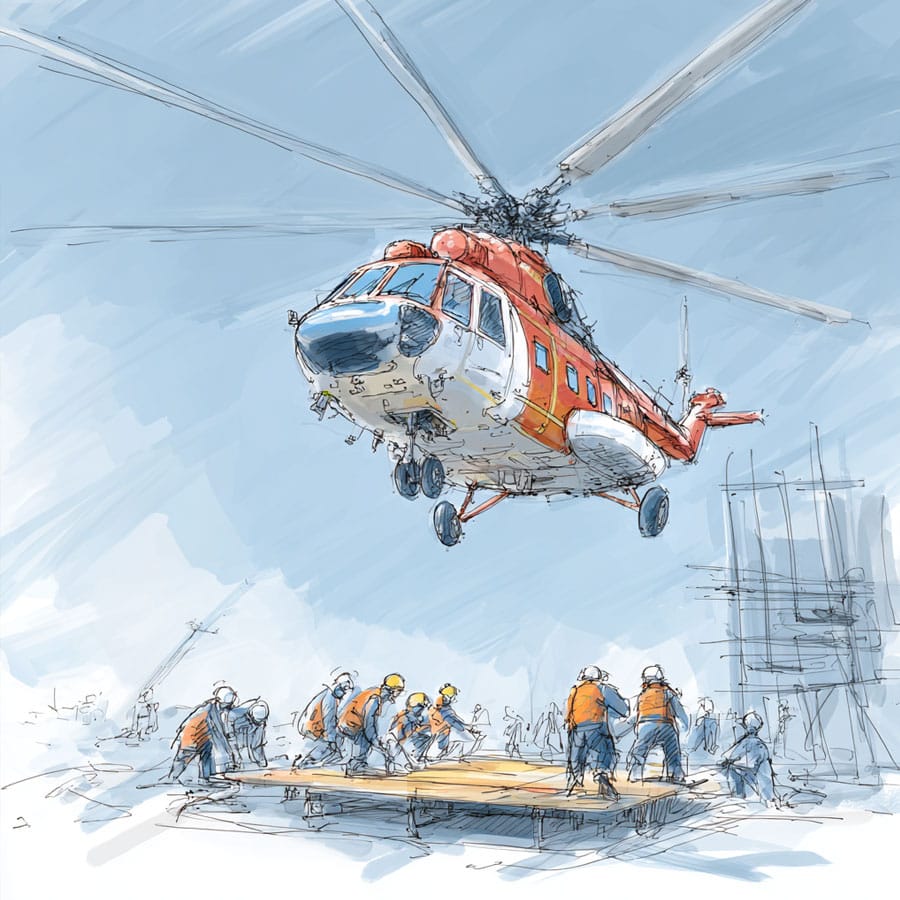
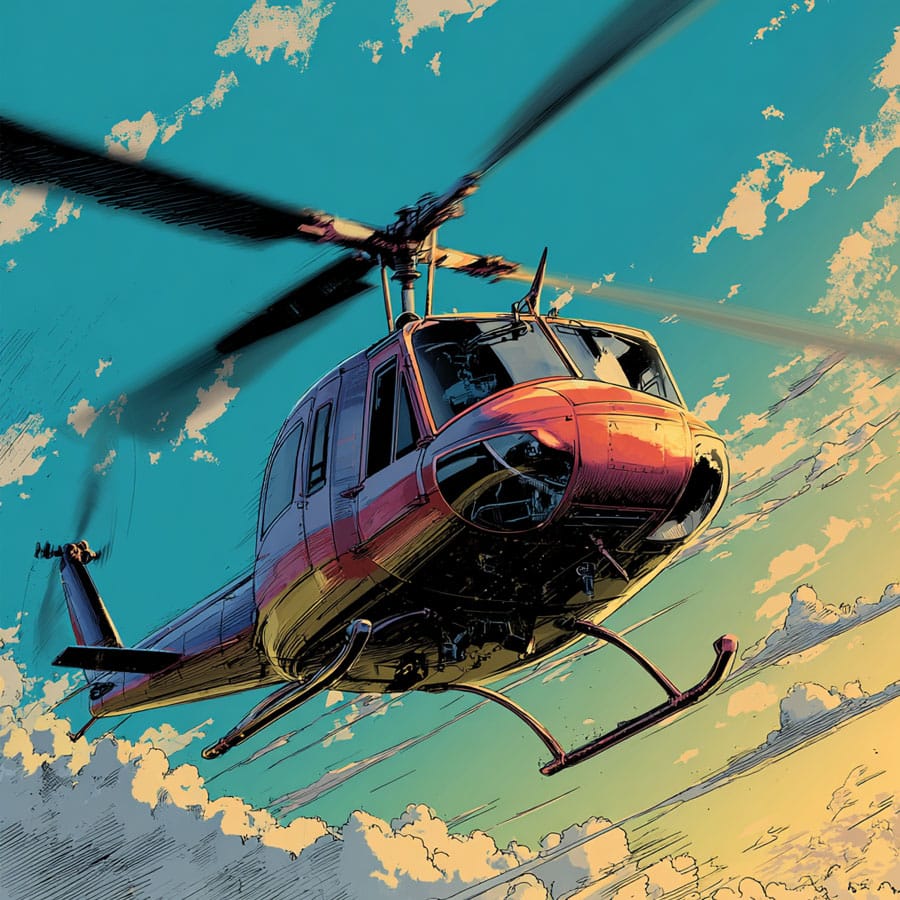
A minecraft helicopter ready to fill with color. Finish it your way, then print when you’re happy.
Artificial Intelligence: Some images and texts have been created using Artificial Intelligence. However, all of them undergo a process of control and photographic retouching, vectorization and/or redrawing that makes them unique and safe.
Logos and Trademarks: Logos or company names are used for identification purposes only and may be trademarks of their respective owners
Licence: The generated images are in the Public Domain but are licensed under CC BY-NC-ND 4.0.
Description
This helicopter looks like it just landed straight from a Minecraft world… except something’s missing. Can you guess what? Yep—color! This blocky flying machine is waiting for a creative captain (that’s you!) to bring it to life with bright colors, cool designs, and a bit of imagination.
Now, let’s be honest—coloring a Minecraft-style helicopter isn’t just about staying inside the lines. It’s about dreaming up adventures. Maybe this chopper is rescuing villagers from a zombie invasion. Or maybe it’s flying over a forest, looking for a place to build a secret base. Anything is possible!
Tips and tricks
How to colour your Minecraft helicopter?
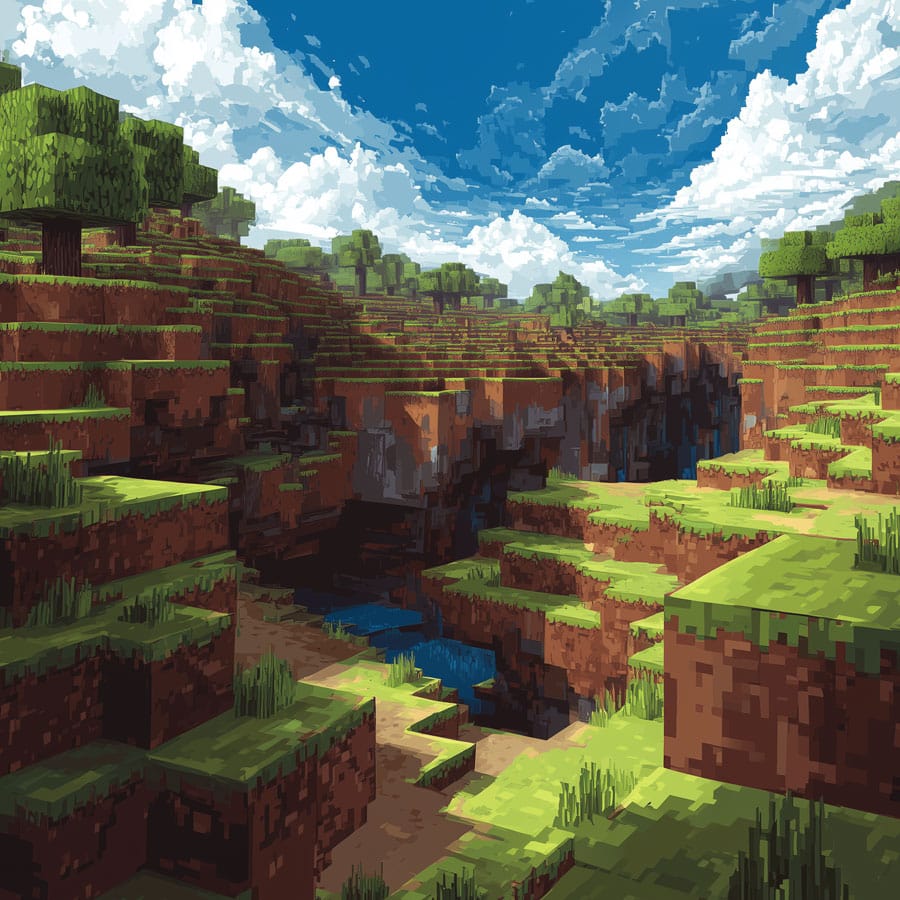
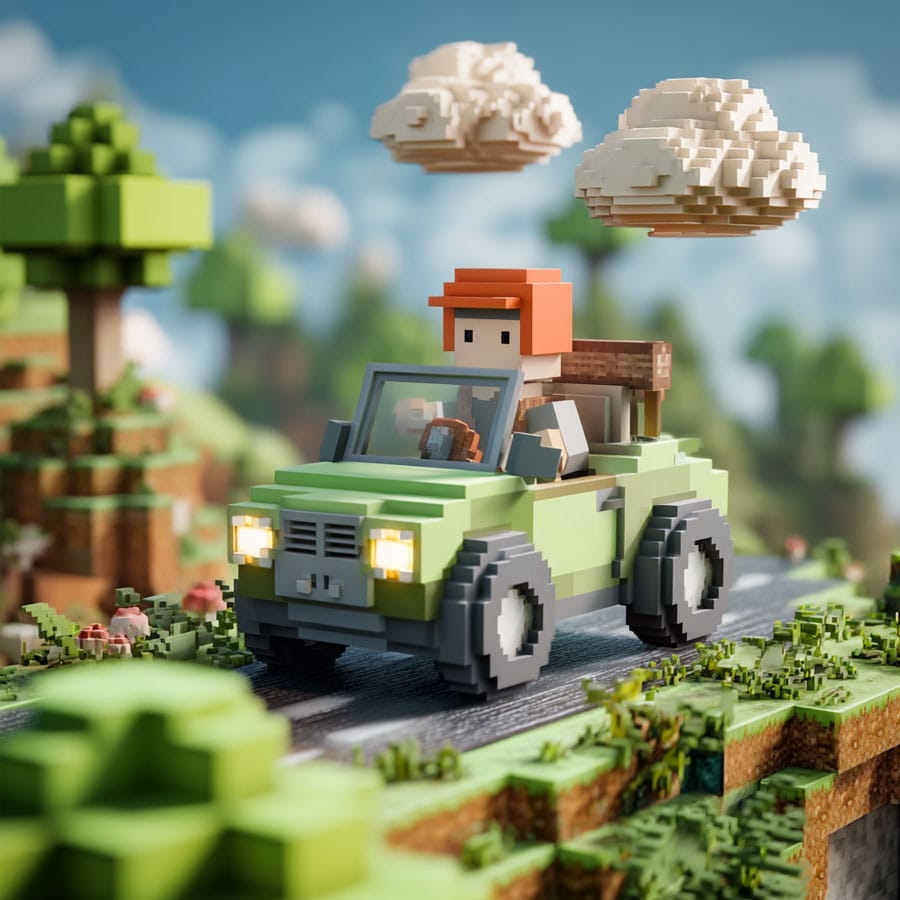
So, ready to get started? Take a close look at your helicopter. Notice the shapes? They’re all made of rectangles and squares—just like everything in Minecraft. That’s what gives it that unique blocky style. And it also makes it super fun to color!
First, think about what kind of helicopter you want it to be. If it’s for night missions or secret rescues, maybe go with deep greens, greys, or camo colors. If it’s a fire rescue chopper, bright red with white and yellow accents will make it look bold and heroic. Or maybe it's a futuristic explorer, zooming over biomes with glowing lights—try cool blues, silver, and hints of black or neon green.
When you color, try moving your pencil or marker in the same direction across each block. This gives a smoother, cleaner look. Want to make it pop? Use a slightly darker shade of the same color to add shadow on the lower parts or the sides that would be in shade. It’ll make the helicopter look like it has depth—like it’s really flying!
And what about the windows? Try using a light blue or even leaving a small part white or uncolored. A little diagonal stripe can make it look like glass is reflecting the sky. Trust me, it’s a small detail that makes a big difference.
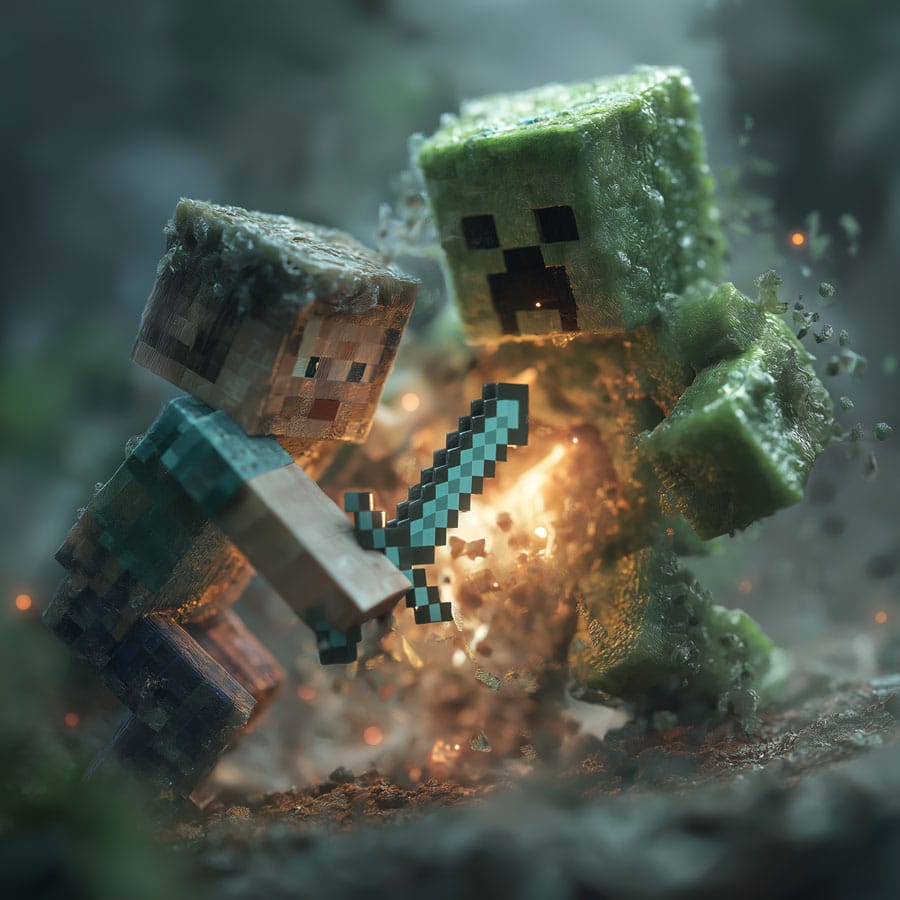
Now here’s where it gets exciting: you can add your own flair. Try drawing a tiny Creeper face on the side like a logo, or some blocky stickers—a diamond, a sword, a little pig! Add blinking lights or a secret trapdoor underneath (why not?). These tiny details make your creation totally yours.
Oh! And don’t forget the background. Even if the helicopter is the star of the show, a sky full of cube-shaped clouds, or a Minecraft mountain in the distance, will turn your picture into a full scene. Maybe there’s a villager waving up at it, or a creeper running away (smart choice).
Best of all? There’s no “wrong” way to color it. Use crayons, markers, colored pencils—even a mix if you’re feeling wild. Make it rainbow, make it match your favorite Minecraft skin, or give it a style no one’s ever seen before.
Coloring this Minecraft helicopter is more than a fun activity—it’s a way to tell your story, block by block. So grab your colors, take a deep breath, and let’s fly!
More colouring pages in the Transport category

Ideas para colorear tu dibujo de Minecraft helicopter